
Company communication
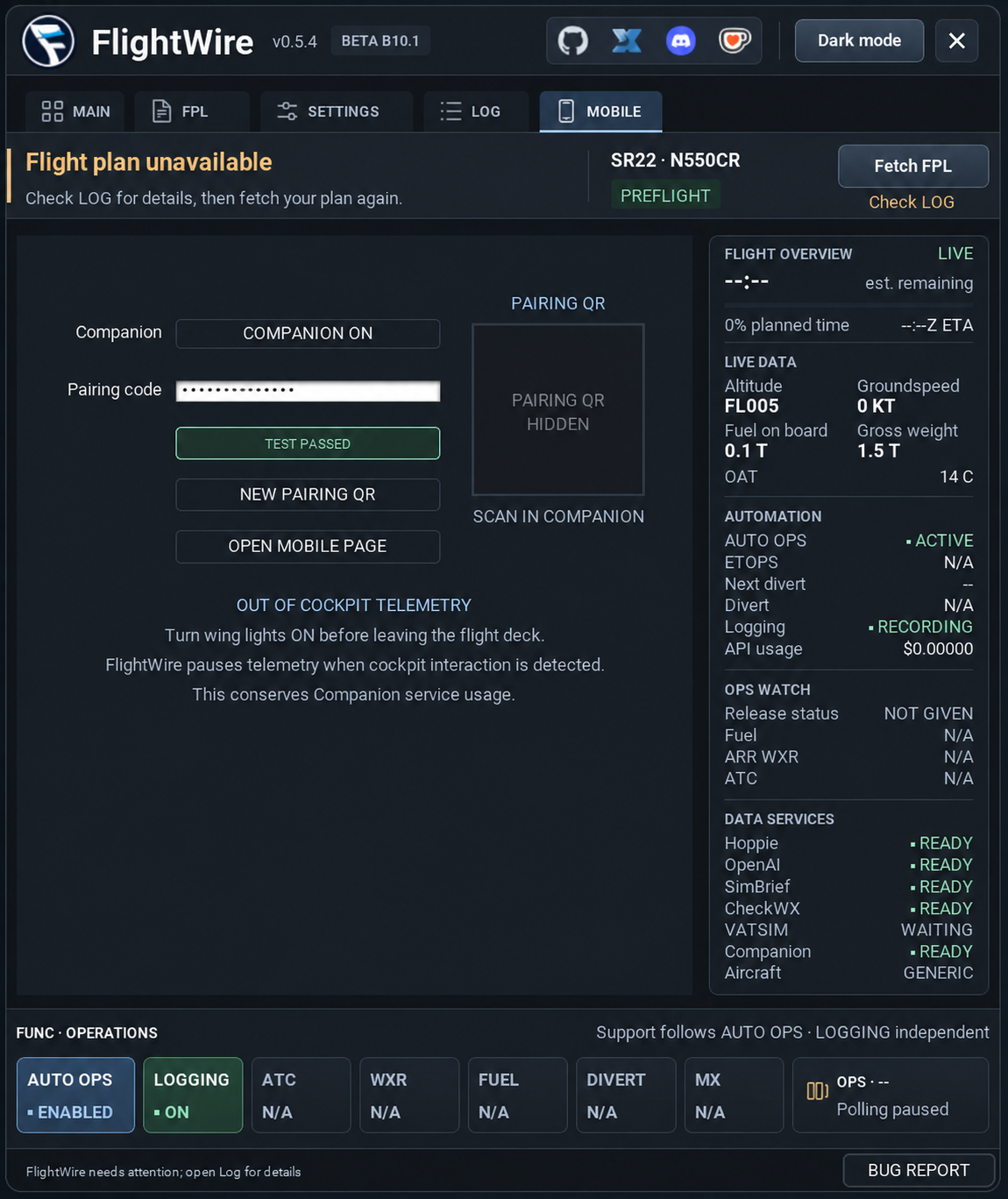
Exchange company messages through Hoppie on supported aircraft.
FLIGHTWIRE / X-PLANE 12
Flight recording and company operations for X-Plane 12.
YOUR COMPANY OPS DESK
Exchange company messages through Hoppie on supported aircraft.
Receive weather, fuel, route and VATSIM updates during your flight.
Record routes, flight times and cockpit events for review in Logbook.
Install the plugin and configure the services you use.
Import recordings or follow the active flight on the same PC or a paired LAN computer.
Review imported routes, times and flight reports.
AIRCRAFT COMPATIBILITY
| Aircraft | Current support |
|---|---|
| FlightFactor 777v2 | OPS and flight recording. |
| Hot Start Challenger 650 | Native OPS support; wider flight testing is in progress. |
| Zibo 737 and ToLiss aircraft | Flight recording only; no company OPS or Companion. |
| Laminar King Air C90B | Recognised variants default to recording only. |
| Other aircraft | Standalone recording is available. Custom aircraft systems may provide less detail. |
Want your add-on aircraft or another simulator supported? Share your logs on Discord to help us develop support.