
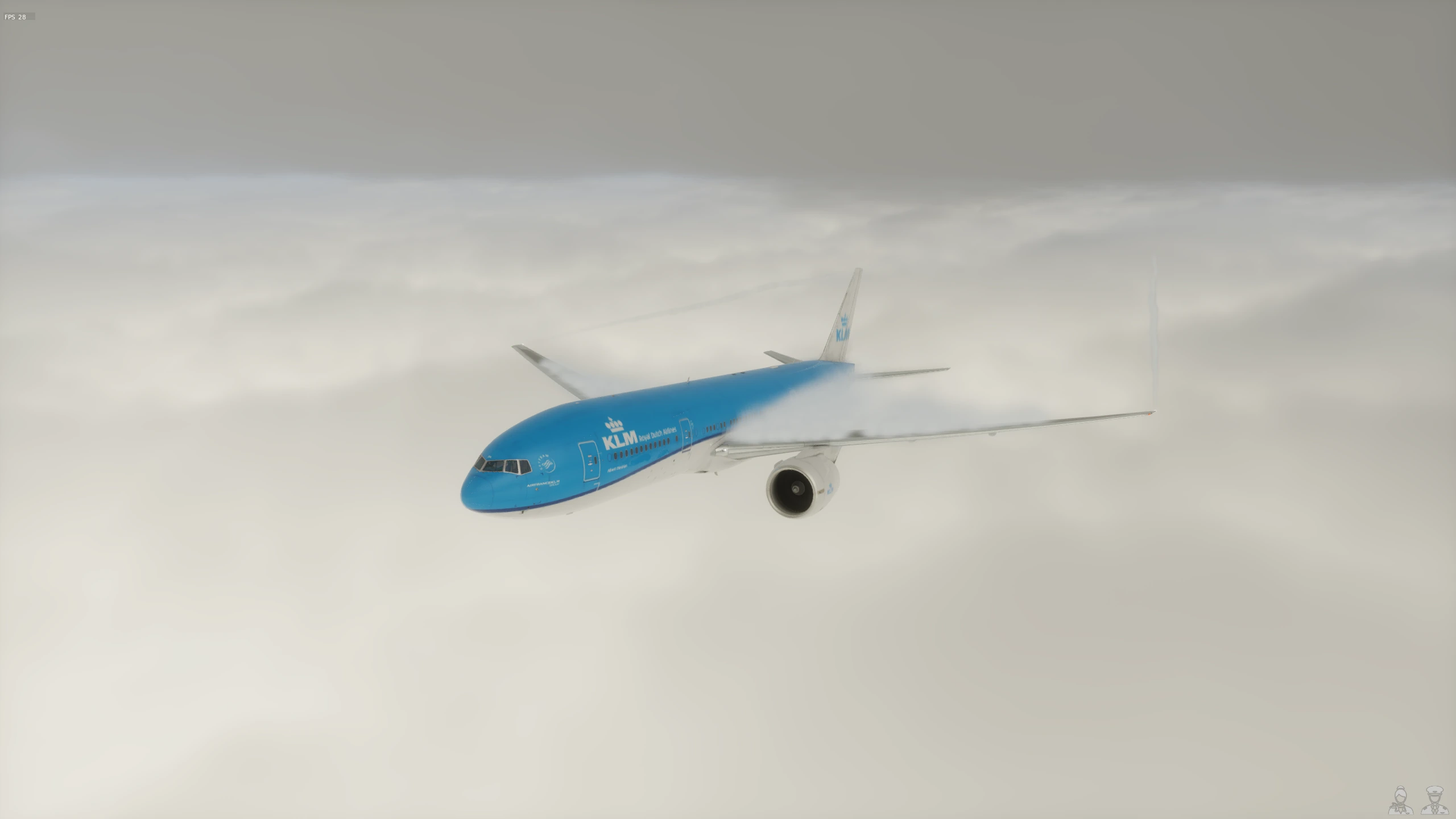
2D and 3D maps
Explore recorded routes with ATC and weather overlays. Online layers need internet access.
FLIGHTWIRE LOGBOOK / WINDOWS
Keep your flights, maps and reports together on your PC.
01 / YOUR FLIGHT LIBRARY
Import FlightWire recordings automatically or add flights manually. Search and organise flights, trips and aircraft.
Explore flight reports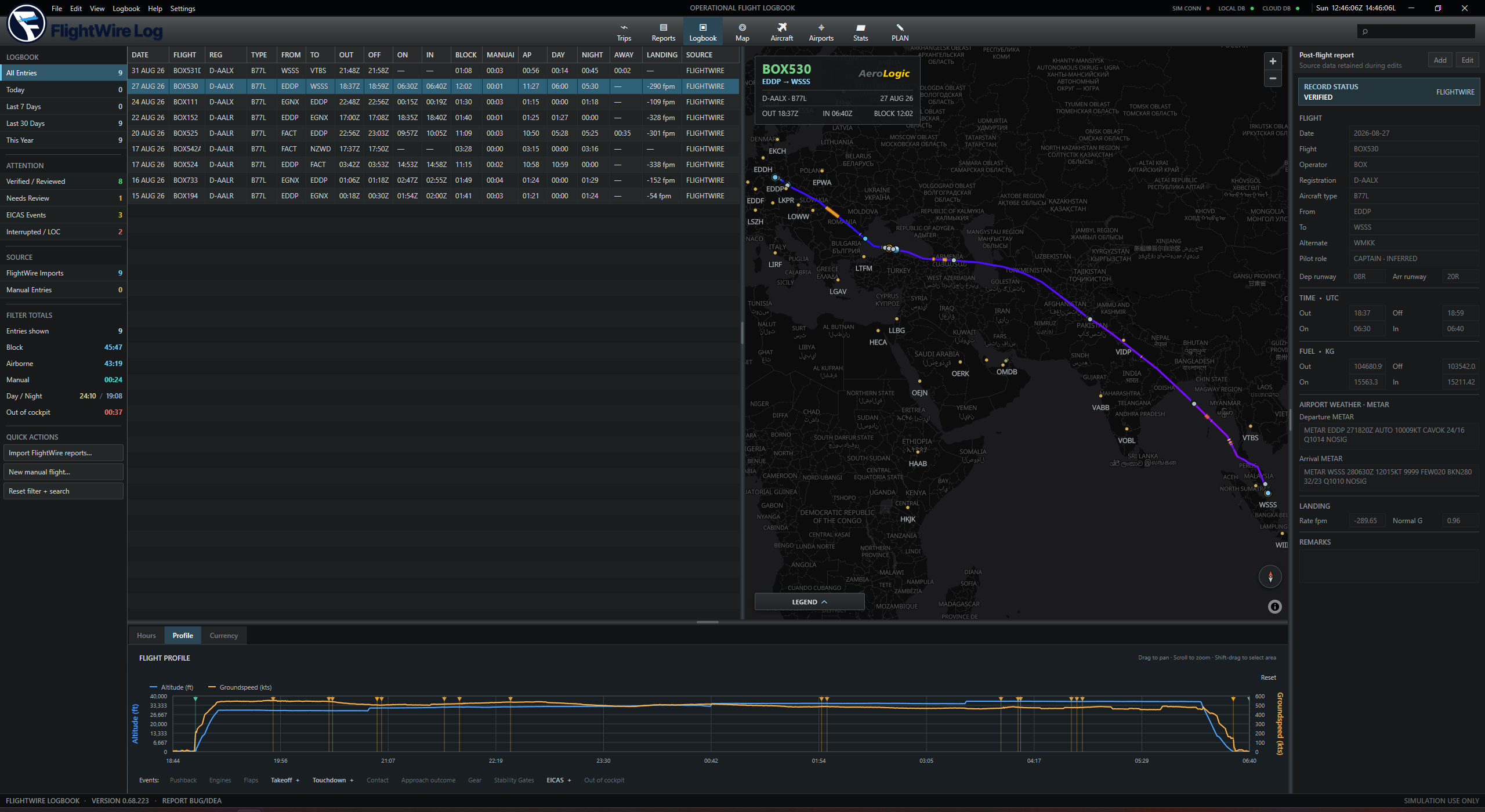
02 / MAPS & REPLAY
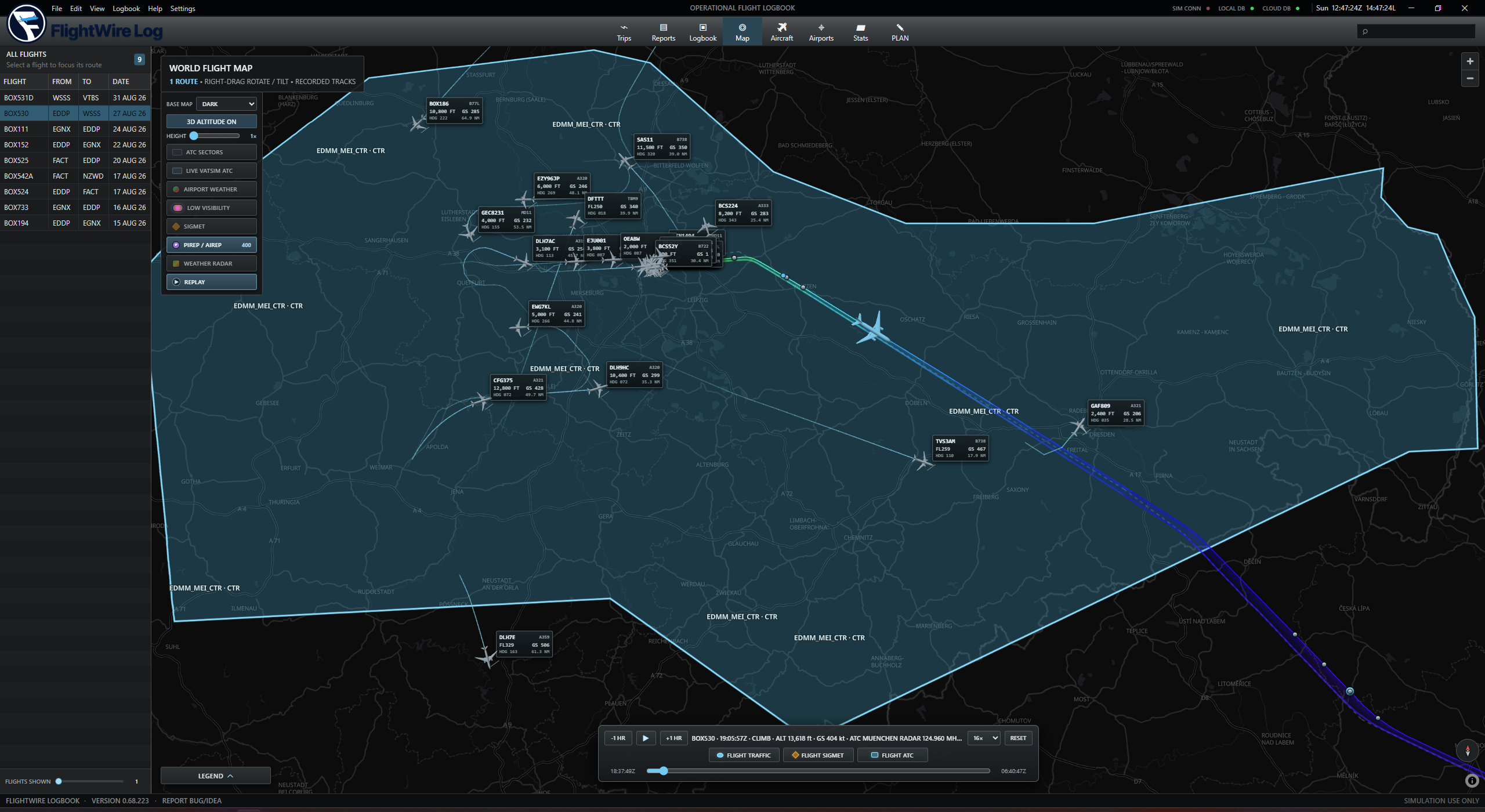
Explore recorded routes with ATC and weather overlays. Online layers need internet access.
Follow FlightWire on the same PC or a paired computer on your local network.
Replay recorded events, traffic and weather. Detail depends on what was captured.
03 / FLIGHT REPORTS
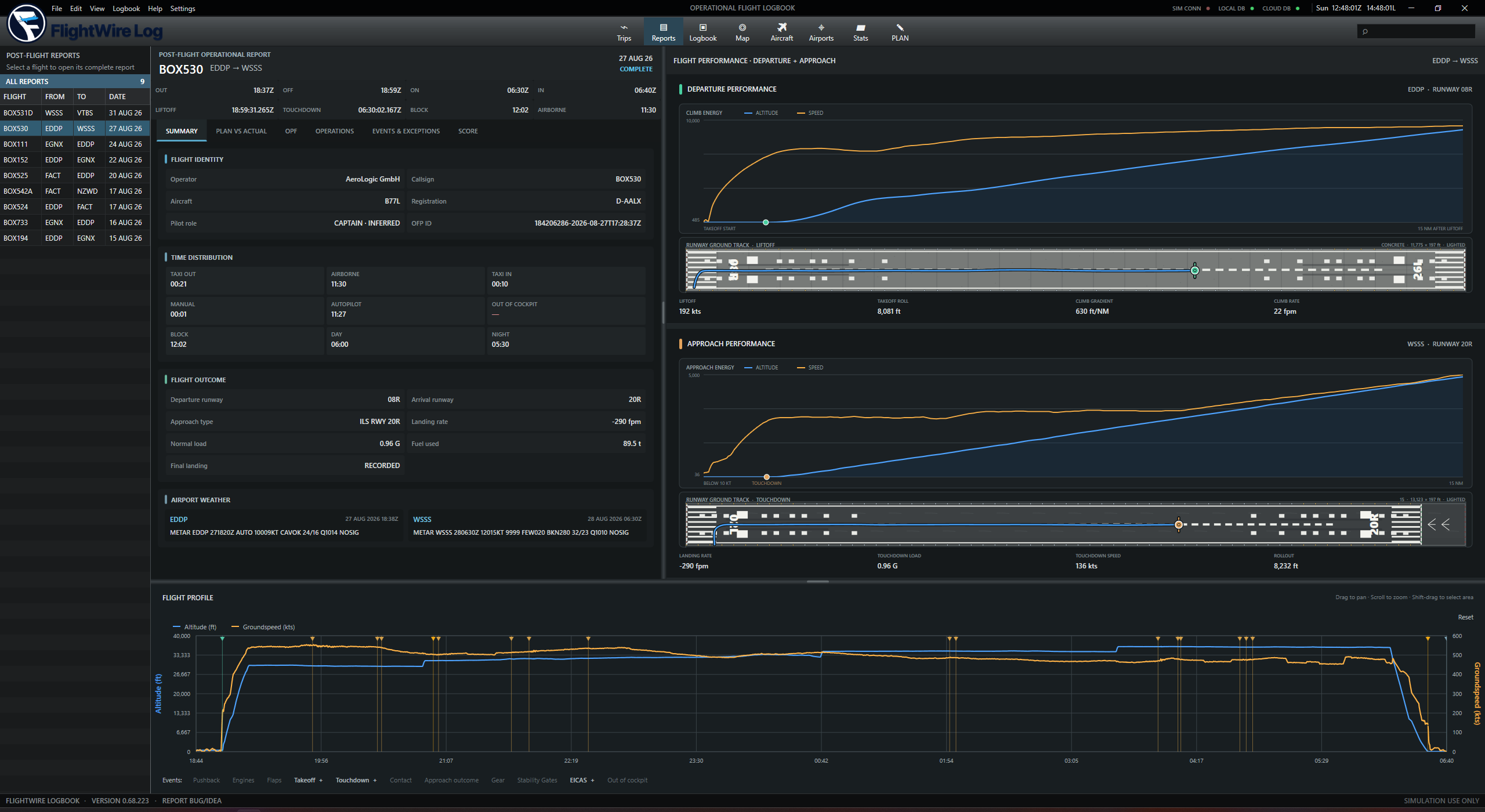
Review flight performance and debrief findings alongside your screenshots, notes and documents.
Flight times, fuel, landing data and departure and approach graphs.
Compare a saved SimBrief plan with your recorded flight.
Export flights and create portable career archives.
04 / STATISTICS
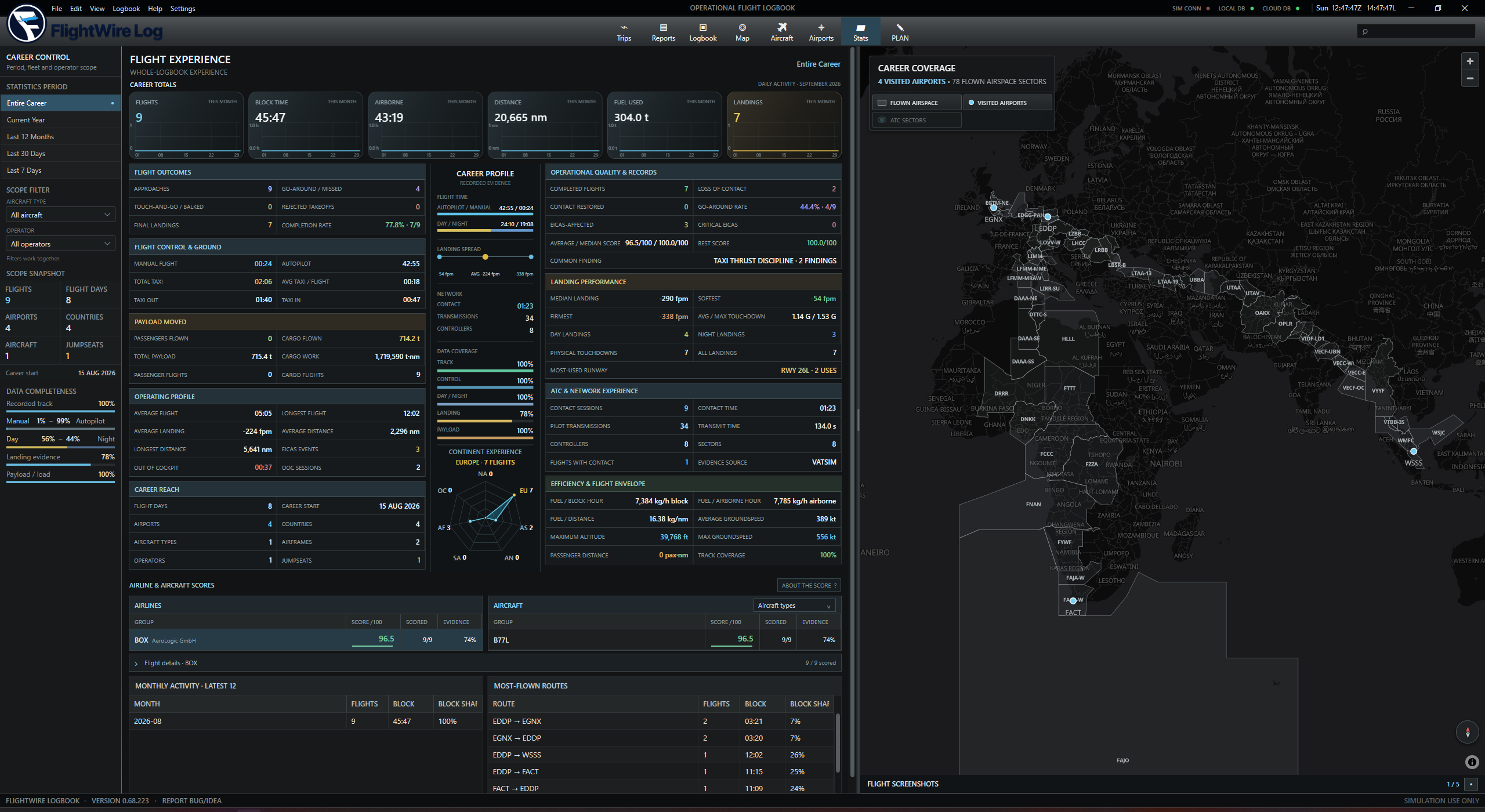
Charts for recorded flights and aircraft use.
Flight counts, hours, distance and landings.
Recorded controller contacts and network activity.
05 / YOUR DATA
Keep flight records and attachments on your PC. Export your career or back it up locally, to a NAS or to a supported cloud provider.
Backup helpWHY CHOOSE LOGBOOK?
Compare your SimBrief plan, inspect debrief findings and open the supporting moment in replay.
Manage trips, practice goals, duty references and aircraft technical logs.
Your career stays on your PC, with export and backup options.